





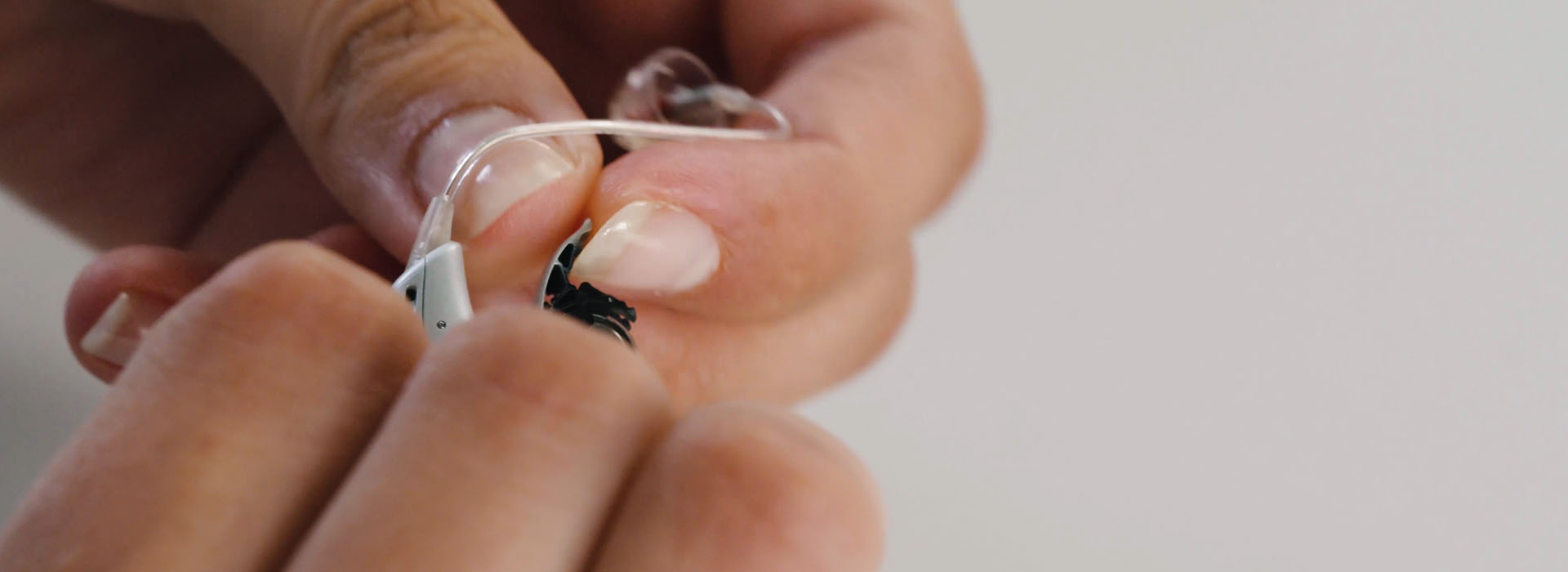
On this page, we have collected a number of how-to videos, where you can learn how to change batteries or domes, clean and maintain hearing aids, or connect your hearing aids to the TV or music streamer.
You are always welcome to contact customer service if you have questions about hearing aid maintenance or need assistance.
Customer service
Hearing aid maintenance
How-to guides for hearing aid maintenance

1. Changing batteries, domes and earwax filters.
Go to videos

2. Maintaining and cleaning your hearing aids.
Go to videos

3. Using your hearing aids.
Go to videos

4. Connecting your hearing aids to devices and accessories.
Go to videos
1. Changing batteries, domes and earwax filters

How to change your hearing aid batteries.
Watch video

How to change the domes on your hearing aids.
Watch video

How to change the earwax filter.
Watch video
2. Maintaining and cleaning your hearing aid

How to clean your hearing aid.
Watch video

How to clean your Oticon in-the-canal custom hearing aids.
Watch video

How to test your hearing aid batteries.
Watch video

How to change batteries in your Oticon Opn invisible in-the-canal hearing aids.
Watch video
3. Using your hearing aids

How to change programmes on your behind-the-ear miniRITE hearing aids.
Watch video

How to attach an ear grip to your hearing aid.
Watch video
How to remove an ear grip from your hearing aid.
Watch video
4. Connecting your hearing aids to devices and accessories

How to make Skype calls using your hearing aids.
Watch video

How to receive calls from your iPhone in your hearing aids.
Watch video

How to use the ConnectClip as a remote microphone.
Watch video

How to hear TV sounds in your hearing aids using a TV adapter.
Watch video

How to listen to music in your hearing aids using an iPhone.
Watch video

Connect hearing aids to the Remote Control.
Watch video

Connect hearing aids to the Oticon App.
Watch video